Before giving the access to the user. Get the approval from the Eric Rose, if it Sales data or Jake Rohne/Mark Fleming if it is finance data.
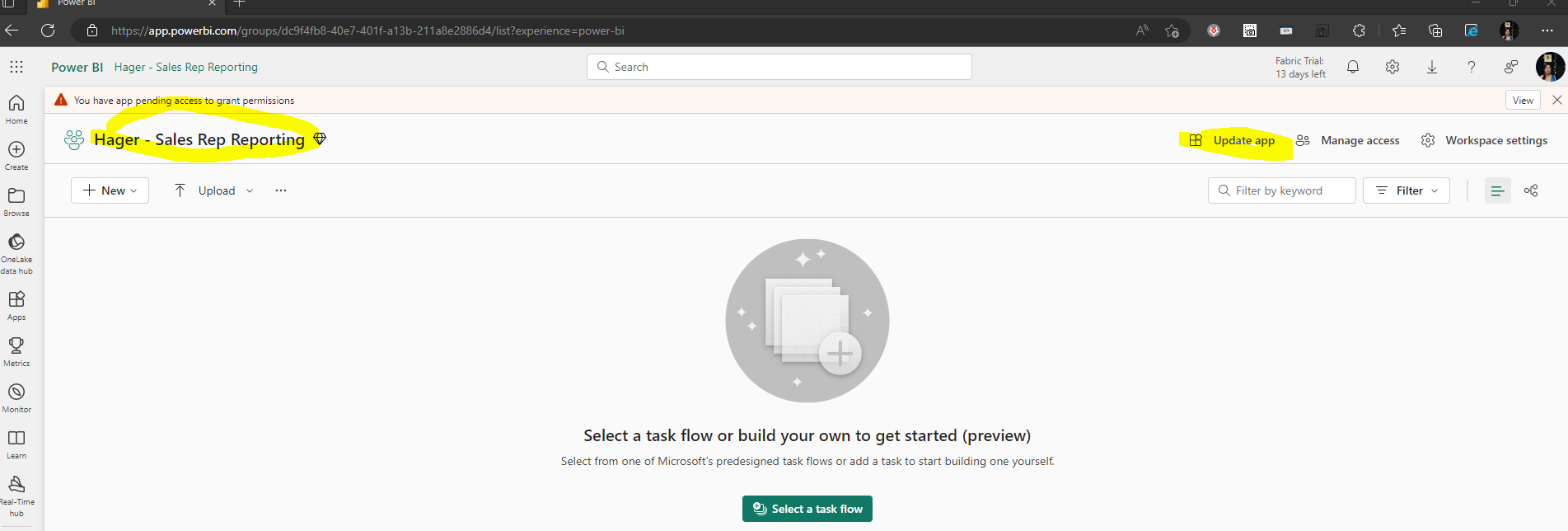
Go to the Workspace of the requested app and click on the update app
select auience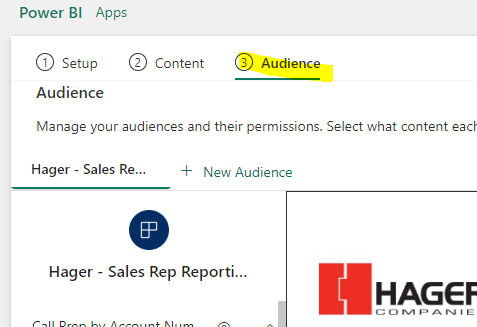
Enter the name/email of the user and click on the update app.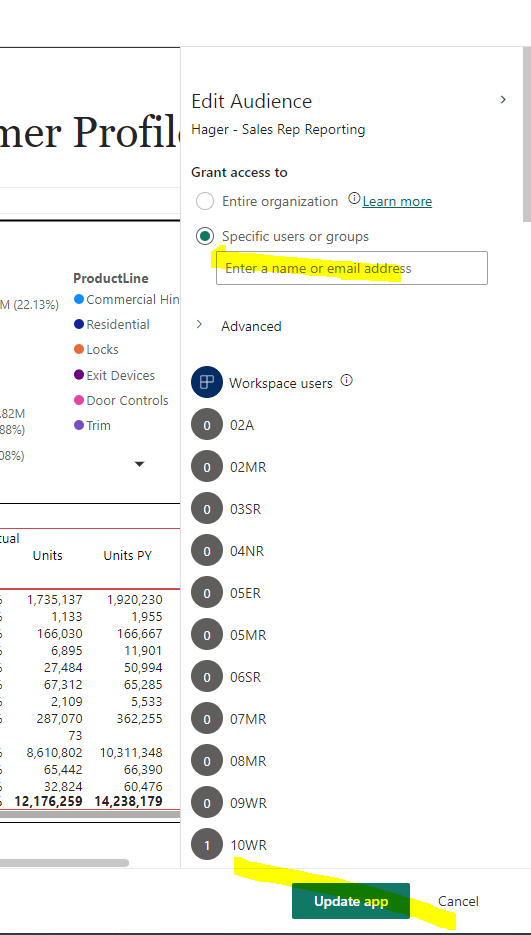
Was this article helpful?
That’s Great!
Thank you for your feedback
Sorry! We couldn't be helpful
Thank you for your feedback
Feedback sent
We appreciate your effort and will try to fix the article